Better Dual Loop

An unofficial firmware mod for the NUX Dual Loop Stereo
…
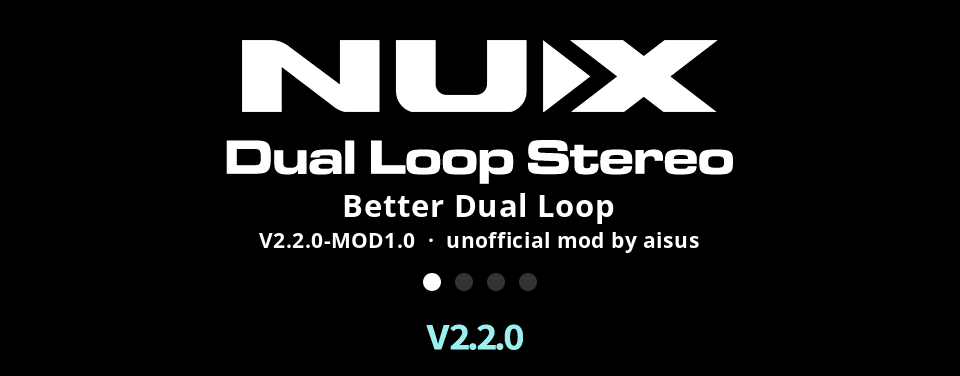
The pedal's boot screen: the NUX logo with 'Better Dual Loop', the release and 'unofficial mod by aisus' under it
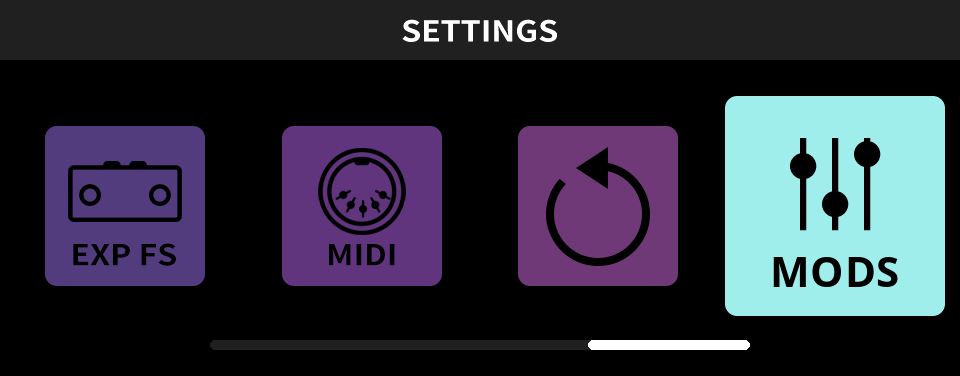
The pedal's settings menu: the tiles EXP FS, MIDI and RESET, and the selected MODS tile
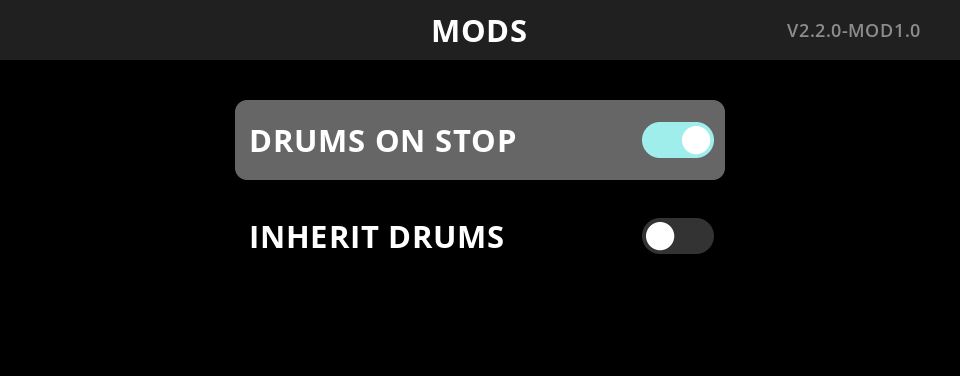
The pedal's MODS page: DRUMS ON STOP on and selected, INHERIT DRUMS off
  1. Loading…

Modifications

All mods are off by default. Switch them on in the new MODS menu.

DRUMS ON STOP

Default
Stopping a loop also stops the drums.
Patched
The drums keep playing until stopped separately.

INHERIT DRUMS

Default
In A/B mode, recording the second loop stops the drums.
Patched
The second loop gets the drums if the first has them.

1 Get the official firmware

Download firmware V2.2.0 from NUX's website and keep the zip. You may need it to roll back, and NUX removes old versions without notice.

2 Apply the patch

Drop the zip into the patcher and download the modded firmware.

3 Flash it

Like an official update, with NUX's updater from the zip. Your loops, settings and a custom boot picture are kept.

Steps
  1. Unplug the power. Hold LOOP MODE and footswitch 2 and plug it back in. The screen shows "Device Firmware Update".
  2. Connect USB-C and open the updater. It is unsigned (the official one too) and may show the warning:
    Windows
    More info → Run anyway
    macOS
    System Settings → Privacy & Security → Open Anyway
  3. Set MIDI Device Out and MIDI Device In to MIDI-DFU. Leave the other settings as they are.
  4. Click file..., pick NML-3DLS-V2.2.0-MOD.bin (extract it from the zip first), then click Start Update.
  5. When it reports success, unplug the power and plug it back in. The boot screen shows "Better Dual Loop" and "V2.2.0-MOD" under the logo (if you didn't set a custom boot picture).

↺ Roll back to the official firmware

Repeat step 3 with NML-3DLSFirmwareV2.2.0.bin from the original zip. The mod never touches the bootloader, so the rollback should work at any time.